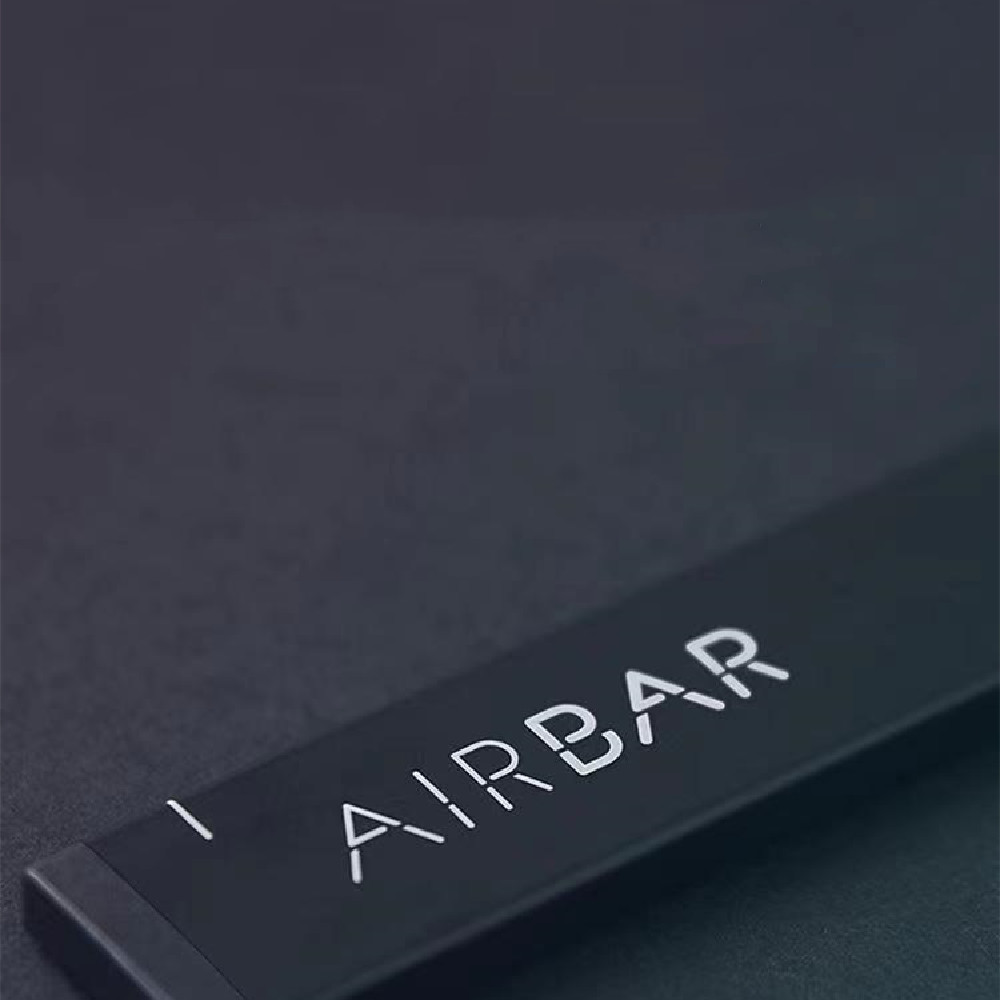
Optical Touch Screen Notebook
320.48 €
Product information: Type: Connected Cat Product features: computer second touch screen Color: black How to use: 1: Place the AirBar on the border below the laptop display_ The top of the device is 3mm from the bottom of the display (the small marks on both sides of the AirBar are designed to allow the display to fit in). 2: Connect the AirBar to the bottom frame and gently press the top of the magnet point. 3: Remove the AirBar and hold the magnet for 10 seconds. Make sure that the two magnets are secured to the laptop under the monitor. 4: Done! Just connect your AirBar to the magnet of your laptop, plug in USB andTa da, that's it! Your laptop now has a full touch screen. Packing list: Touch screen bar X1PCS
Voir les options et acheter sur SecuresVaultSimilaires
- A5 Rewritable Smart Notebook — 20.85 €
- A5 literary delicate notebook — 13.60 €
- Leather hand made notebook — 32.16 €
- Notebook Aluminum Alloy Bracket — 11.09 €
- Notebook radiator base computer — 15.65 €
Plus dans Papeterie & bureau